Objectives
- Creating an AWS account
- Logging in to AWS
- Tour AWS
Lab Details
- Go to the Amazon Web Services home page.
- Choose Create an AWS Account. If you have signed in to AWS recently, the button might say Sign In to the Console instead. Be sure that you enter your account information correctly, especially your email address — if you enter it incorrectly you will not be able to access your account. If Create a new AWS account is not visible, first choose Sign in to a different account, and then choose Create a new AWS account.
- Choose Personal or Professional. Personal and professional accounts have the same features and functions.
- Enter your company or personal information.
- Read and accept the AWS Customer Agreement, then choose Create Account and Continue.
- Take a screenshot of the AWS Console after logging in that shows your account name.
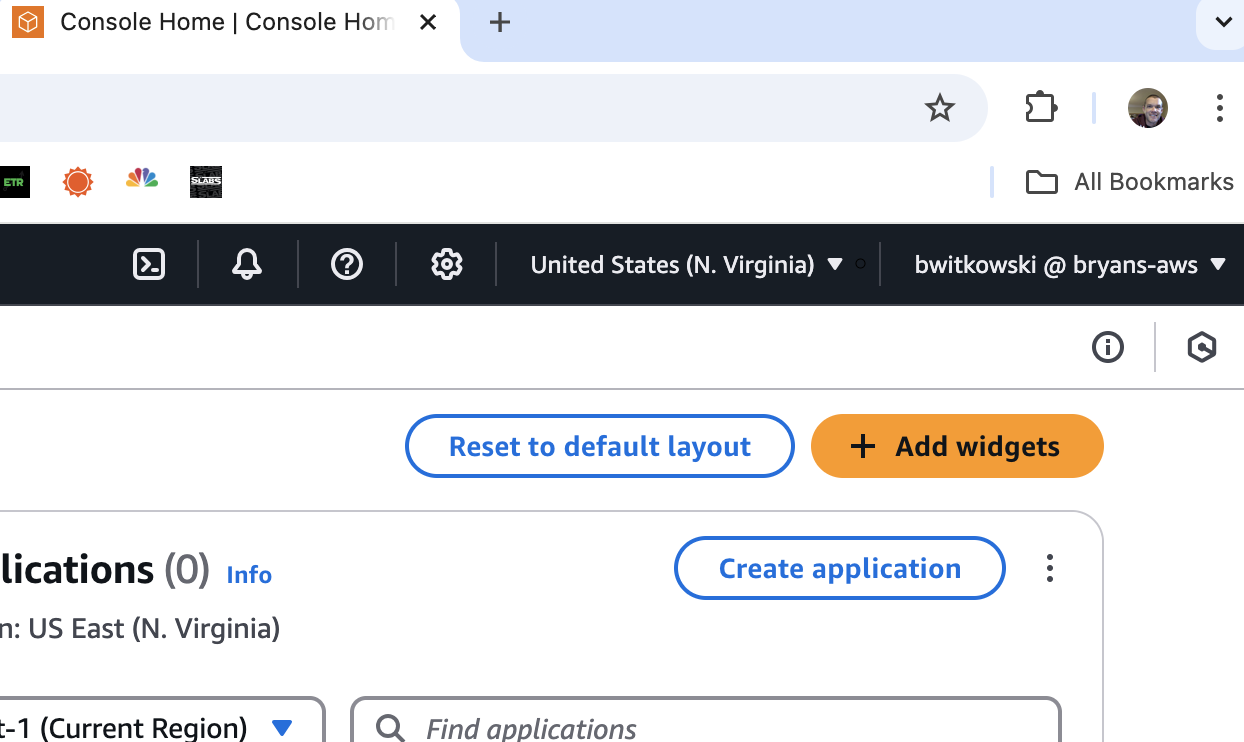
Example: the AWS Console home screen.
What did I learn?
- How to log in and access AWS
- How to access services within AWS